Adding your logo is one of the fastest ways to improve recognition and make your profile look more professional.
This guide explains how to upload your logo on BalletPlaces.
Go to your company’s page and click the “Edit” button.

From the dropdown menu, select “Images and Logo”.
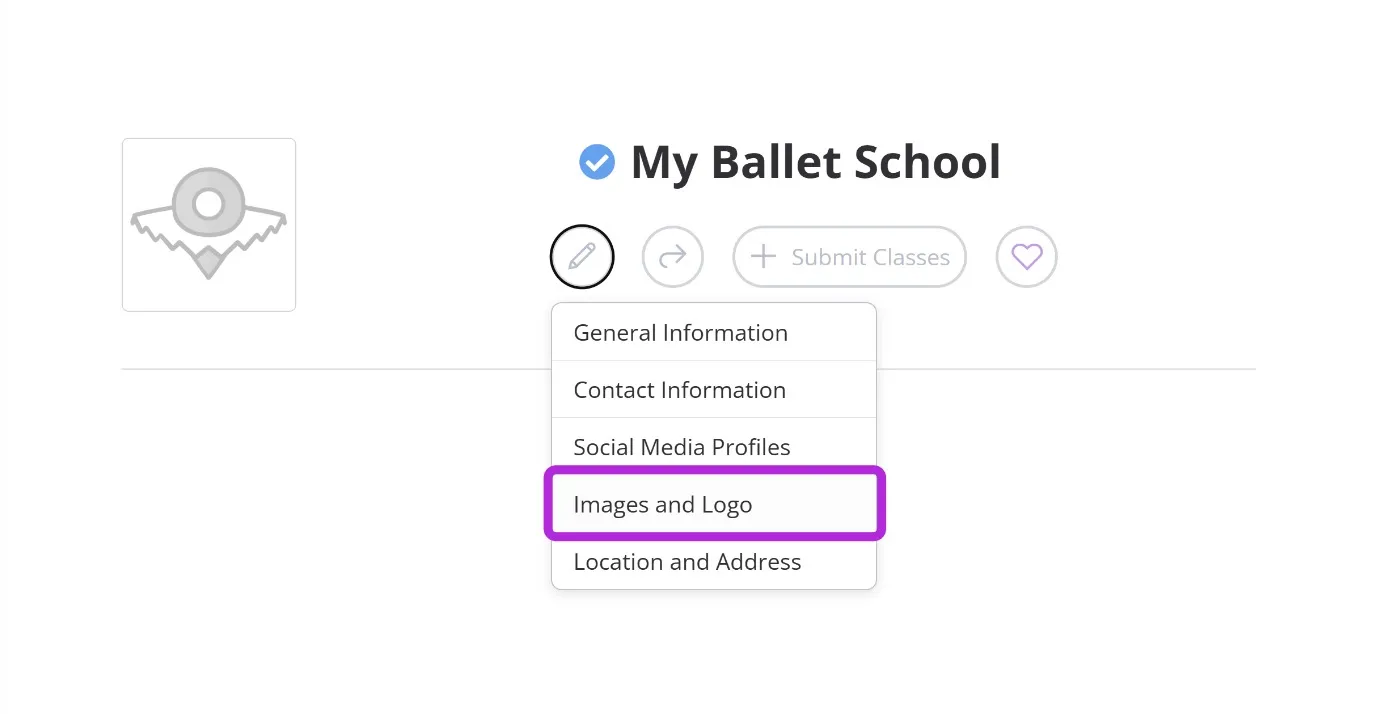
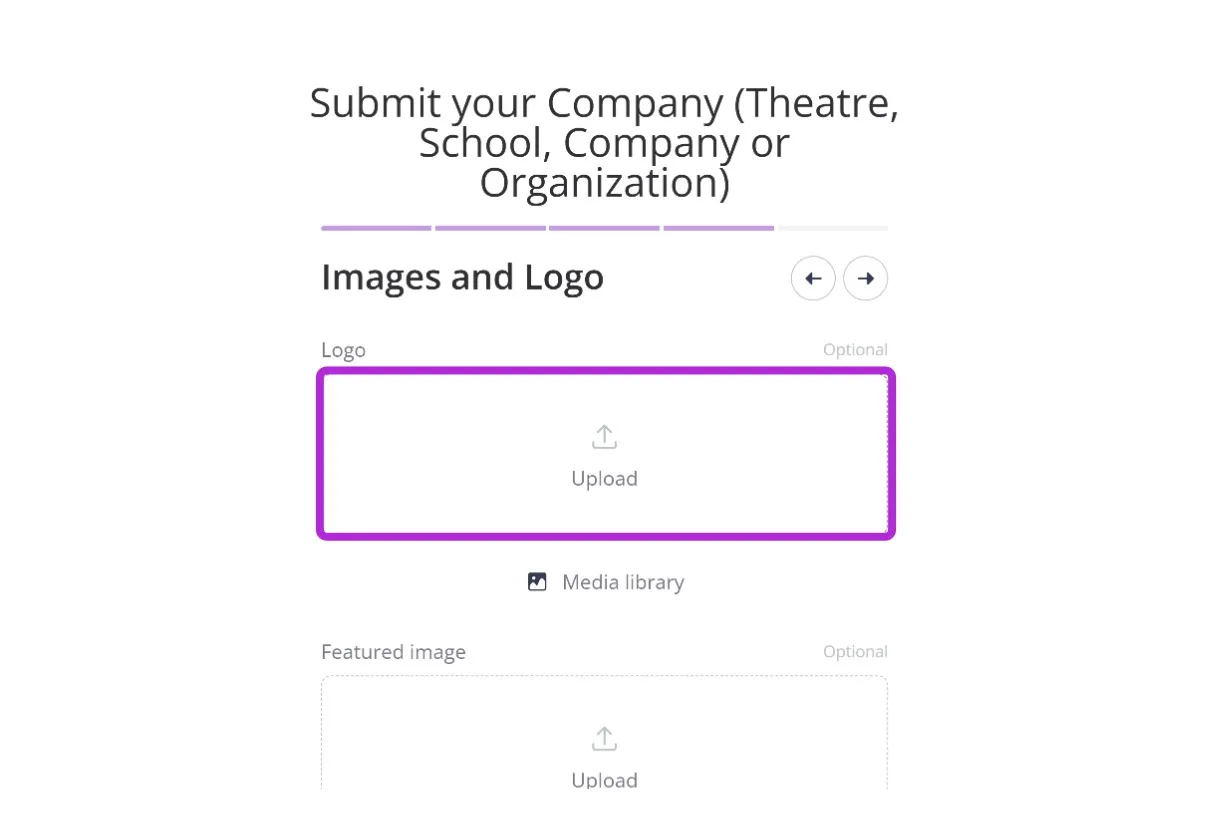
The “Images and Logo” section will appear.
Under the “Logo” section, click the large “Upload” button.
Select the logo image from your device.
Once uploaded, the selected logo will appear in the preview.
Scroll to the bottom of the page and click “Save changes”.
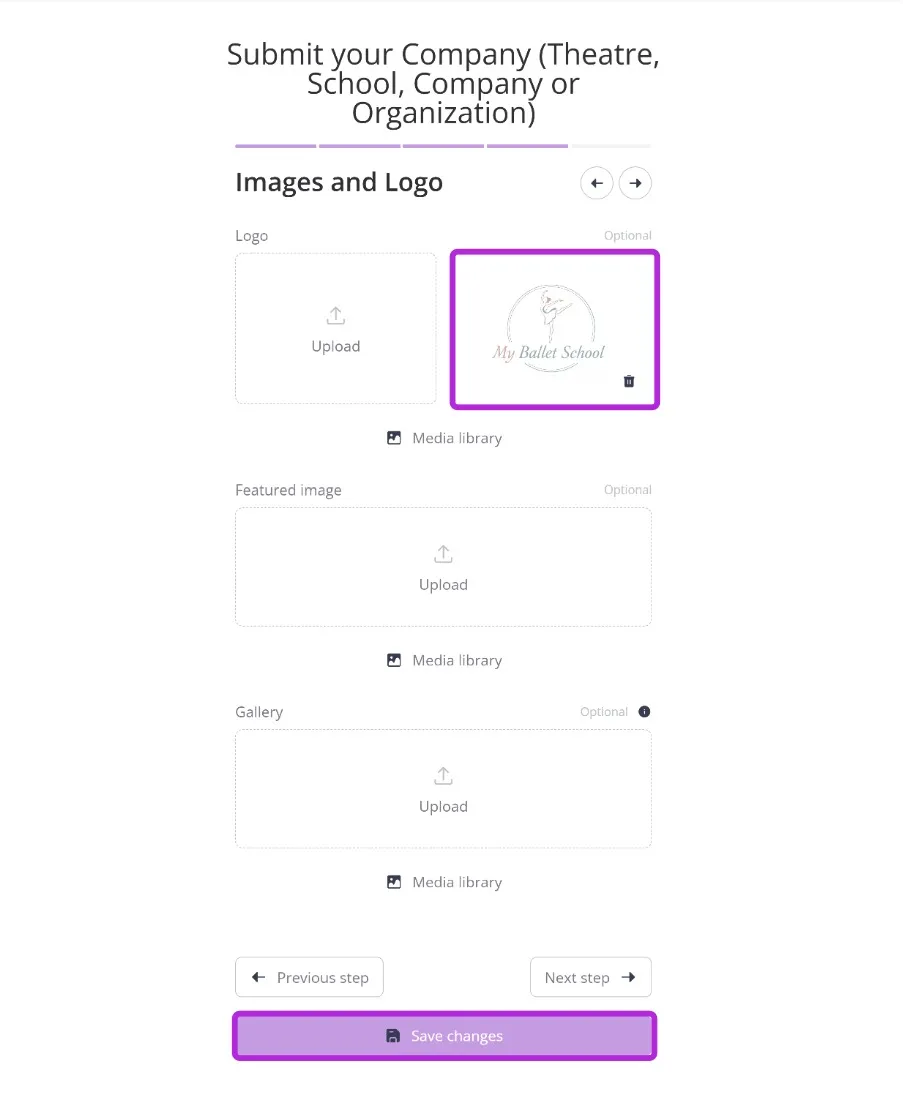
Congratulations - your logo is now live.
Your logo will appear:
- next to your company name
- on your listings
- on events and classes connected to your profile